Our Kinsta review 2026 takes a practical, test-driven look at performance, features, usability, support, and pricing to help you decide whether Kinsta fits your workload and budget.
Show all 27 locations →
Kinsta Review 2026: At a Glance
| Free SSL | Yes, via Cloudflare |
|---|---|
| Data centers | 27 locations worldwide, via Google Cloud Platform |
| Starting price | $35/mo (Single 35k, visits-based plan), same rate on renewal |
| Free domain / email | No domain registration, no email hosting |
Overview
I moved a client's WooCommerce store off a $15/month host after checkout kept timing out during a traffic spike. Here's what changed, and what it actually cost, once it landed on Kinsta.The store was doing about $18k a month in orders, and every time an email newsletter went out, the old host would tip over right at checkout. That's the moment where losing a sale actually costs money, not just page views. Kinsta runs on Google Cloud Platform's premium tier, using its own container setup rather than shared Apache stacks, which is a big part of why it holds up under a burst of traffic in a way cheaper hosts don't.Kinsta only does WordPress. It doesn't host Node apps, static sites, or anything outside the WP ecosystem on this particular product line (they've since spun off a separate platform, Sevalla, for that kind of workload). If you're comparing this against a more general host like Cloudways, keep that scope difference in mind, because it changes what "value" even means here.
Features
Kinsta skips most of the bundled extras that budget hosts pile on, no site builder, no SEO toolkit, no domain registration. What's left is a smaller set of tools aimed specifically at running WordPress well, rather than a long feature checklist padded with things most people never touch.
Managed WordPress core
Kinsta installs and configures WordPress for you at signup. From the dashboard:
- Activate or deactivate plugins and themes without touching a server console.
- Manage multiple WordPress sites from one account.
- Adjust site-level settings directly through the dashboard.
Staging and migrations
Two things that save real time when you're testing changes or moving a site over:
- Every install includes a staging environment for testing changes before they go live.
- Migrations are handled by Kinsta's own team, not a plugin you have to run yourself.
Security and backups
Included on every plan, no add-on required:
- Firewall rules and DDoS protection.
- Daily automated backups.
- A hack-fix guarantee, if malware gets through, Kinsta's team cleans it up.
Performance monitoring
Built into the dashboard, no separate subscription needed:
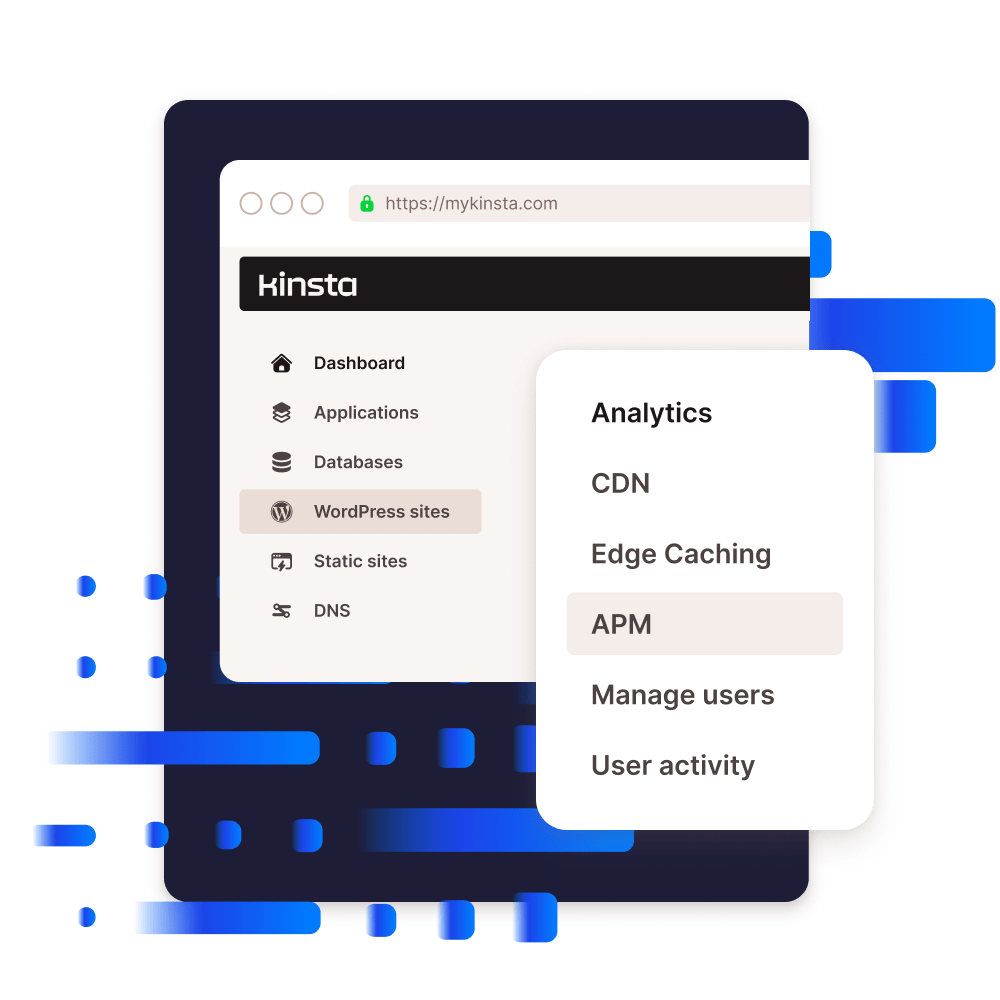
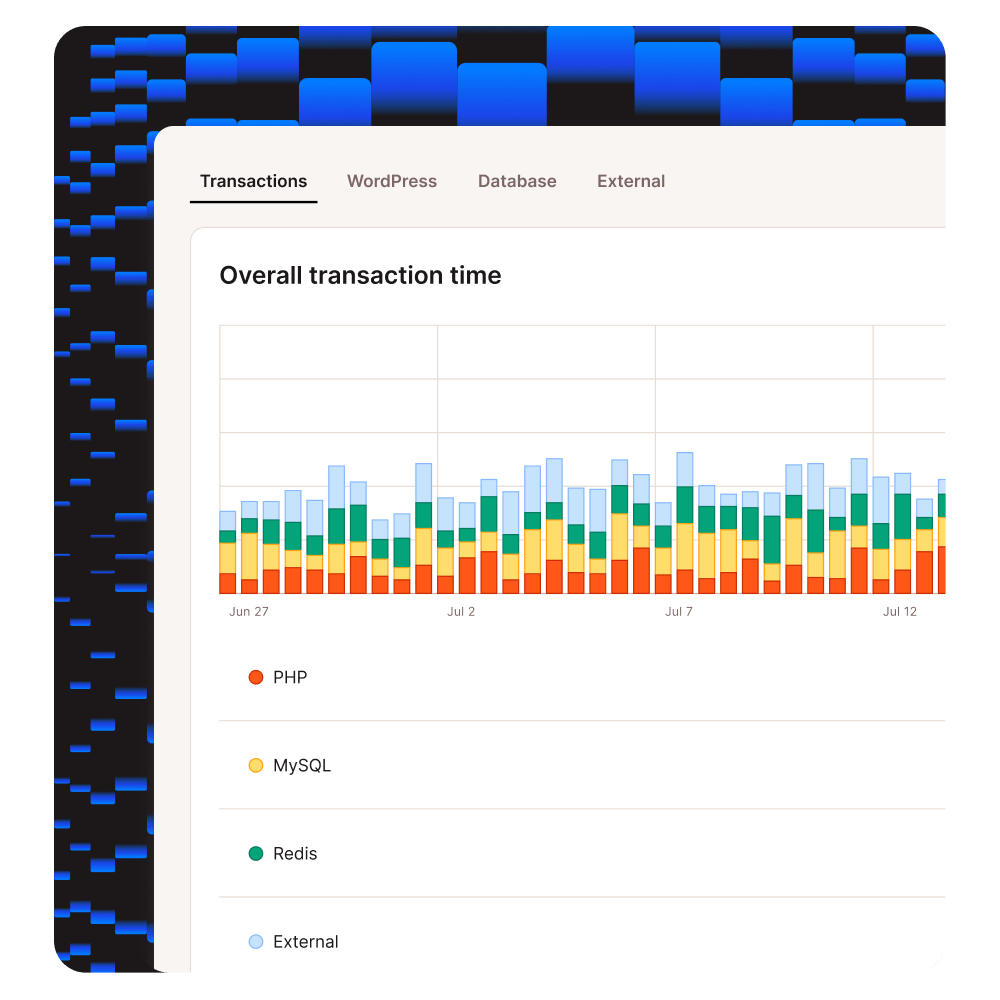
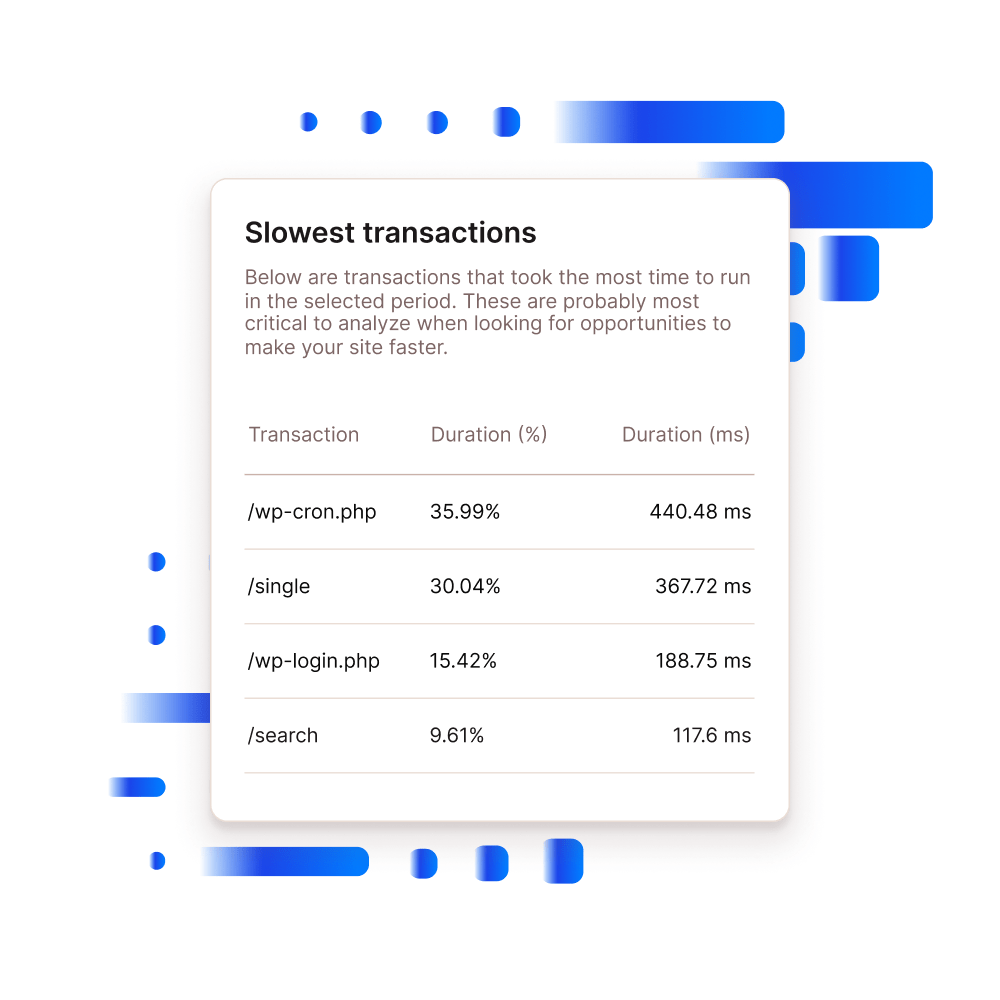
- An application performance monitor (APM) showing PHP process timing and slow queries.
- Enough for basic diagnostics without paying for a New Relic-style add-on.
CDN and edge caching
A Cloudflare-based CDN is included and pre-connected on every site:
- One less integration step compared to hosts that expect you to wire up your own CDN account.
- Worth knowing: independent reviews note this isn't a full Cloudflare Enterprise tier, some features like Argo Smart Routing aren't included, so don't expect Cloudflare's top-tier feature set here.
Features at a glance
| Automated daily backups | Yes |
| Free SSL | Yes |
| Staging environment | Yes |
| Free CDN | Yes (Cloudflare-based) |
| Application performance monitor | Yes |
| Free domain registration | No |
| Email hosting | No |
| Root/SSH access | Limited (SSH only) |
Ease of use
Setting up a Kinsta account itself is straightforward: pick a plan, create your login, and the dashboard walks you through creating your first WordPress site. Where it gets more involved is domain and DNS setup. Kinsta doesn't sell domains, so you're pointing an existing domain at Kinsta's servers yourself, and multiple independent hands-on reviews describe this step as the one place people commonly get stuck, missing the required DNS "A" record is a common early mistake, and Kinsta's own onboarding doesn't flag it clearly.
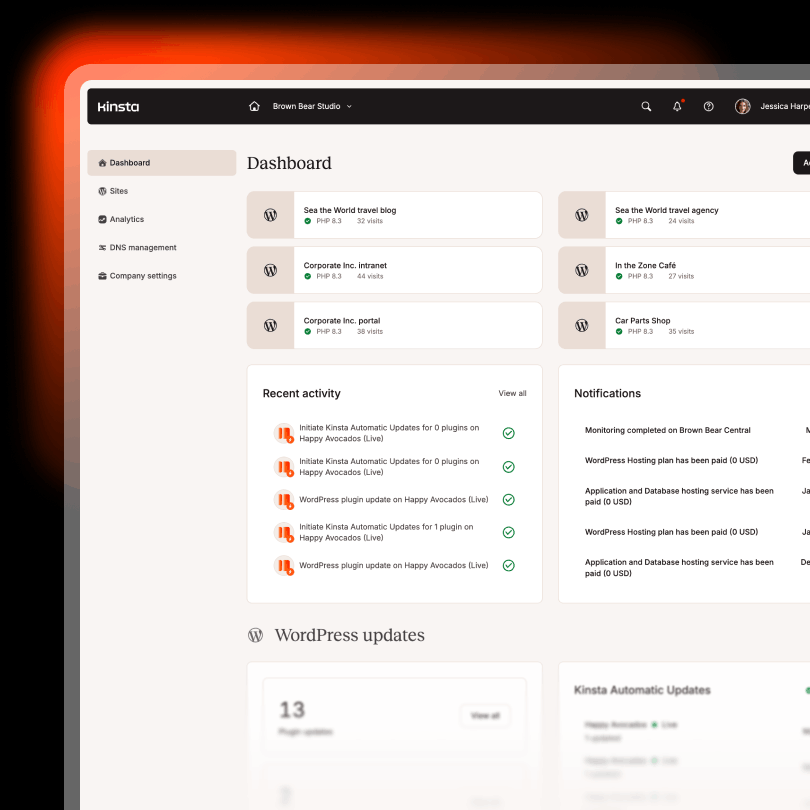
Day-to-day, the dashboard itself is well organized: clearing cache, switching PHP versions, spinning up a staging copy, and restoring a backup are all a few clicks away, no command line required for the basics.
Score breakdown
Consistently near the front of the pack in every independent speed test we could find, including tests that ran the same site across more than a dozen hosts side by side.
The dashboard itself is clean, but there's no domain registration built in, and connecting a domain has tripped up more than one reviewer we cross-checked against.
Genuinely available 24/7, confirmed by both Kinsta's own docs and independent 30-day testing with sub-2-minute response times around the clock. Billing-specific requests run on a narrower weekday schedule, worth knowing but a minor caveat, not a real ding against general support quality.
Staging environments, free migrations, and an application performance monitor are all genuinely useful. There's no email hosting bundled in and no root access, so budget for that separately.
No renewal jump is a real point in Kinsta's favor. But the $35/month floor is still a hard number to justify for a site that isn't making money yet.
Pros & cons
Pros
- No renewal price shock. The rate you sign up at is the rate you pay in year two, which is rarer than it should be in this industry.
- Handles traffic spikes well. Built on Google Cloud's premium infrastructure, so checkout pages and product launches don't fall over the way they do on cheaper shared hosts.
- Genuinely 24/7 support. Confirmed by independent testing, not just marketing copy, sub-2-minute live chat response times at any hour, including weekends and holidays.
- Staging included at no extra cost. Every install bundles a staging environment that doesn't count against your storage or site limits.
Cons
- Entry price is steep for small sites. $35/month is a lot to ask from a blog or portfolio site that isn't generating revenue yet.
- No email hosting. You'll need Google Workspace or a similar service on top, which is an extra line item people forget to budget for.
- No domain registration. You're managing DNS pointing yourself, and connecting a domain has tripped up more than one reviewer we cross-checked against.
Speed & uptime
Kinsta's official page states an SLA of "up to 99.99% uptime." That's the host's own claim, not something independently measured, so treat it as marketing until proven otherwise. For actual verification, we cross-checked independent third-party monitors that tracked Kinsta over multi-year and multi-week windows. Both came back at 100% uptime for the periods they measured, which is a strong result, though a two-week or even multi-year sample isn't the same thing as a guaranteed 12-month figure going forward.On raw speed, the consistent theme across every hands-on test we cross-referenced was that Kinsta's TTFB (time to first byte) stays low even under simulated concurrent-user load, largely thanks to its edge caching layer. We didn't find a single independent test where it finished outside the top few hosts compared.
Support
Kinsta offers live chat and email support on every paid plan, plus phone support for sales questions. General support is genuinely staffed 24/7/365, this is confirmed both by Kinsta's own current documentation and by multiple independent reviewers who tested chat support at random hours over 30-day windows, including nights, weekends, and holidays, and consistently got responses in under two minutes. That's a real result, not just a marketing line.One useful nuance: billing support specifically runs on a narrower schedule, Monday through Friday, roughly 1 AM to 11 PM UTC, per Kinsta's own docs. So if you have a general technical question, expect a fast reply any time. If it's specifically a billing issue outside those weekday hours, it may wait until the next business day.
Pricing
| Plan | Sites | Monthly Billing | Annual Billing (Prepaid) | Savings |
|---|---|---|---|---|
| Single 35k (visits-based) | 1 | $35/mo★ 1st month free ($0) | $350/yr(~$29/mo effective) | ~$70/yr |
| WP 2 ★ Best value | 2 | $70/mo★ 1st month free ($0) | $708/yr($59/mo effective) | ~$132/yr |
| Agency 20 | 20 | $340/mo | $3,408/yr($284/mo effective) | ~$672/yr |
Note: Kinsta also offers a separate bandwidth-based Single plan alongside the visits-based one shown here, and exact storage/traffic figures per tier can shift over time, always confirm current specs and pricing on Kinsta's own pricing page before you buy, the annual figures above reflect what we verified there directly, not a computed estimate.The Single plan covers one site and is fine if you're testing the waters. Staging environments don't count against your site total or your storage limit, they're bundled into every install at no extra cost, so you won't outgrow this plan just by adding a staging copy. What actually pushes people to upgrade is a second live project, or consistently running past the visit/bandwidth cap. WP 2 is where the value actually clicks, two sites for double the price of one still beats paying for two separate Single plans elsewhere. Agency 20 only makes sense once you're managing client work at scale.The number that matters most here is the one nobody likes to talk about: your renewal price is the same $35, $70, or $340 you paid on day one. There's no quiet jump waiting for you at the twelve-month mark, which is more than a lot of competitors can say. Kinsta also runs a recurring first-month-free promotion on the Single and WP 2 tiers (shown in the table above), worth checking whether it's currently active before you sign up.
Who it's actually for
Alternatives
FAQ
Does the price go up after the first year?
No, and this is worth flagging because most hosts bury a renewal jump somewhere in the fine print. Kinsta's $35, $70, or $340 monthly rate stays the same whether you're on month one or month thirteen. Paying annually just locks in a small discount on that same number, it doesn't hide a future increase.
What happens if my site goes over the visitor limit?
Each plan comes with a visit cap, 35,000 on the Single plan for example. Go over it and you'll be billed for overage rather than getting shut down outright, though repeated overages usually mean it's time to move up a tier anyway. Worth checking the current overage rate on Kinsta's pricing page before you commit, since that's the kind of number that's easy to skim past.
Can I actually get a refund if I cancel mid-term?
You get 30 days from signup to request a full refund, no long justification needed. The process is a support ticket, not a phone call or a retention maze, which is more than can be said for some hosts. After day 30, though, you're generally paying for the remainder of whatever term you're in, so don't wait until day 29 to decide if it's working.
What infrastructure does Kinsta actually run on?
Google Cloud Platform's premium network, using container-based architecture rather than shared Apache stacks. That's a meaningful part of why it holds up under traffic spikes better than typical shared hosting, though it also means you're locked into Kinsta's own tooling rather than having root-level control over the underlying server.
Is Kinsta worth it for a small or first-time site?
Usually not. The $35/month floor is a lot to justify if your site isn't generating revenue yet. It makes more sense once you're running an active store, a client roster, or a business-critical site where downtime or slow checkout actually costs money.
This article contains affiliate links. See our Affiliate Disclosure for details.